NPS是一个基于Go语言开发的内网穿透代理服务器,它可以将内网中的服务暴露到公网,实现远程访问。
服务端
1 | #下载nps服务端程序 |
安装
1 | sudo ./nps install |
修改配置文件
1 | vim /etc/nps/conf/nps.conf |
启动
1 | sudo nps start |
调试(可选)
1 | sudo nps |
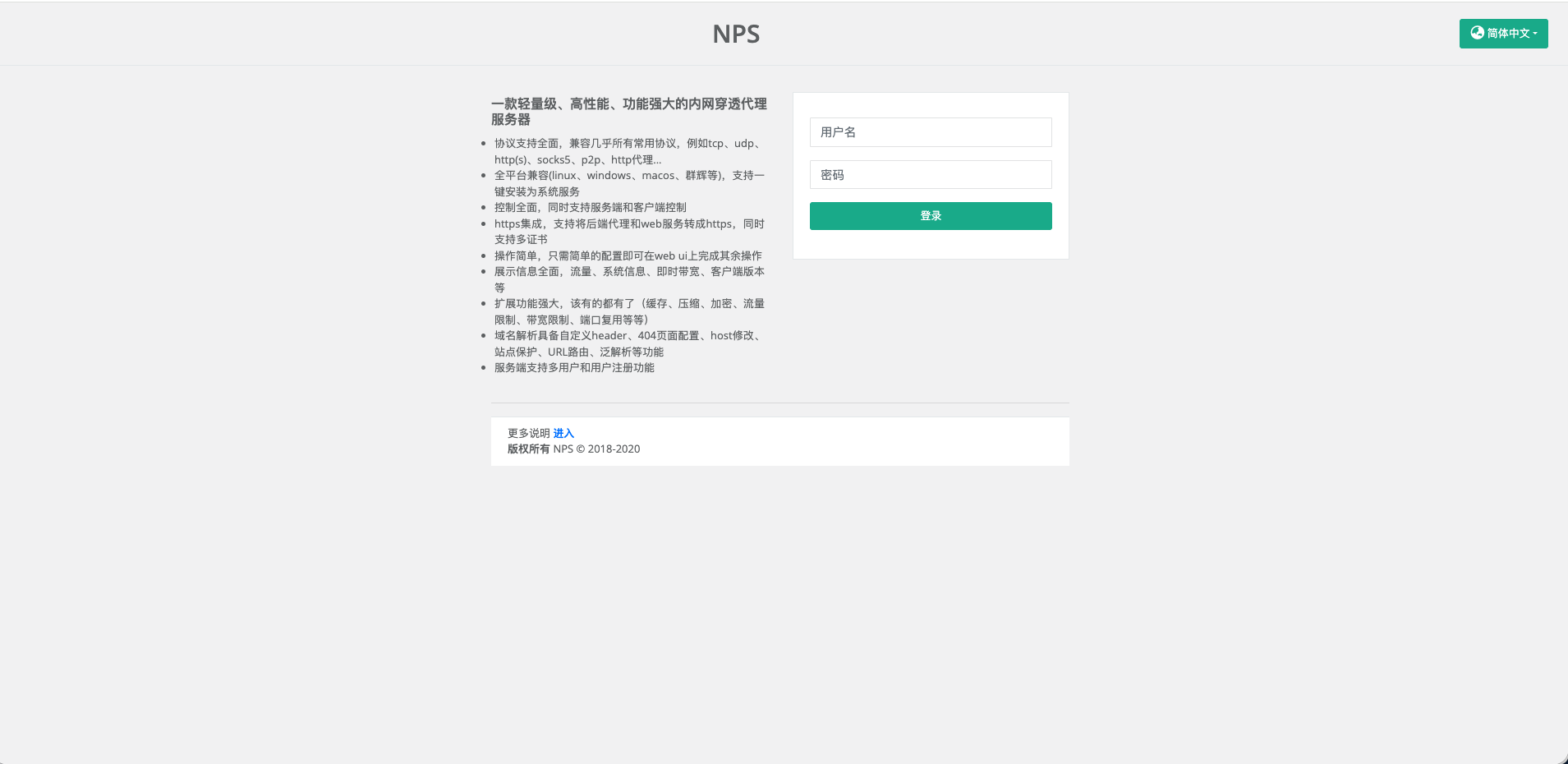
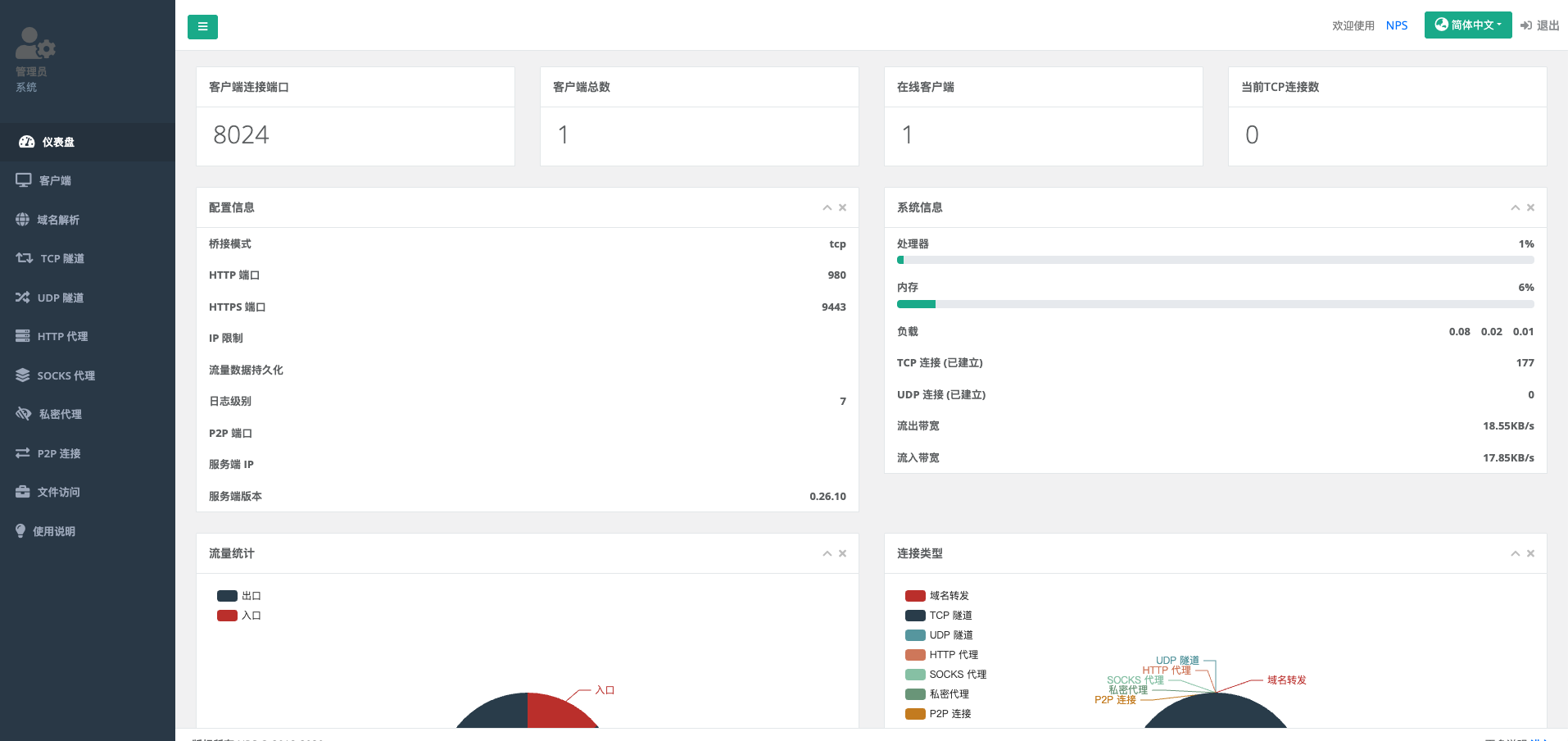
访问NPS web管理后台
默认账号密码:admin/123
客户端:
#下载nps客户端程序
1 | wget https://github.com/ehang-io/nps/releases/download/v0.26.10/linux_amd64_client.tar.gz |
npc放在 /data/skyinfor/nps目录(自定义)下
#解压
1 | tar -zxvf linux_amd64_client.tar.gz -C /data/skyinfor/nps |
1 | #编辑linux的systemctl配置文件来管理 |
重载配置
1 | systemctl daemon-reload |
启动npc服务
1 | systemctl start npc |
停止npc服务
1 | systemctl stop npc |
重启npc服务
1 | systemctl restart npc |
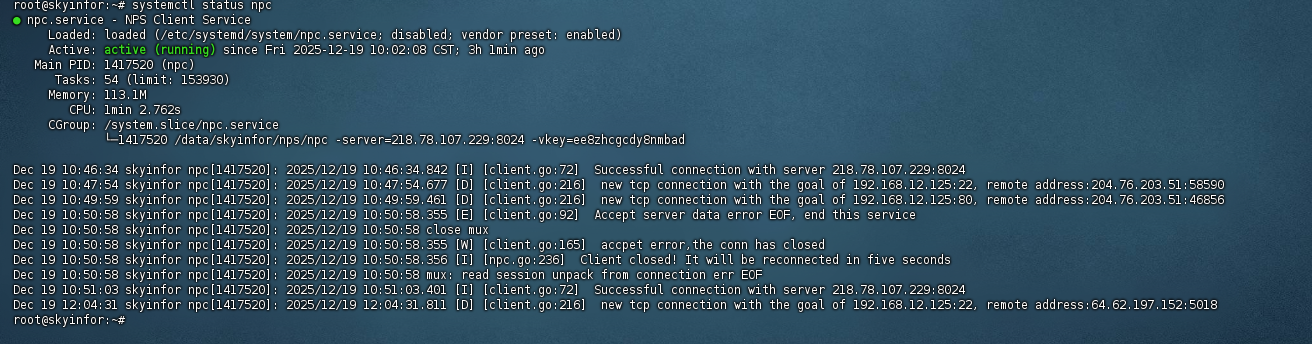
查看服务状态(确认是否运行正常)
1 | systemctl status npc |
设置开机自启
1 | systemctl enable npc |
关闭开机自启
1 | systemctl disable npc |
查看服务日志(排查启动失败问题)
1 | journalctl -u npc -f # -f 实时查看日志 |
客户端启动如下
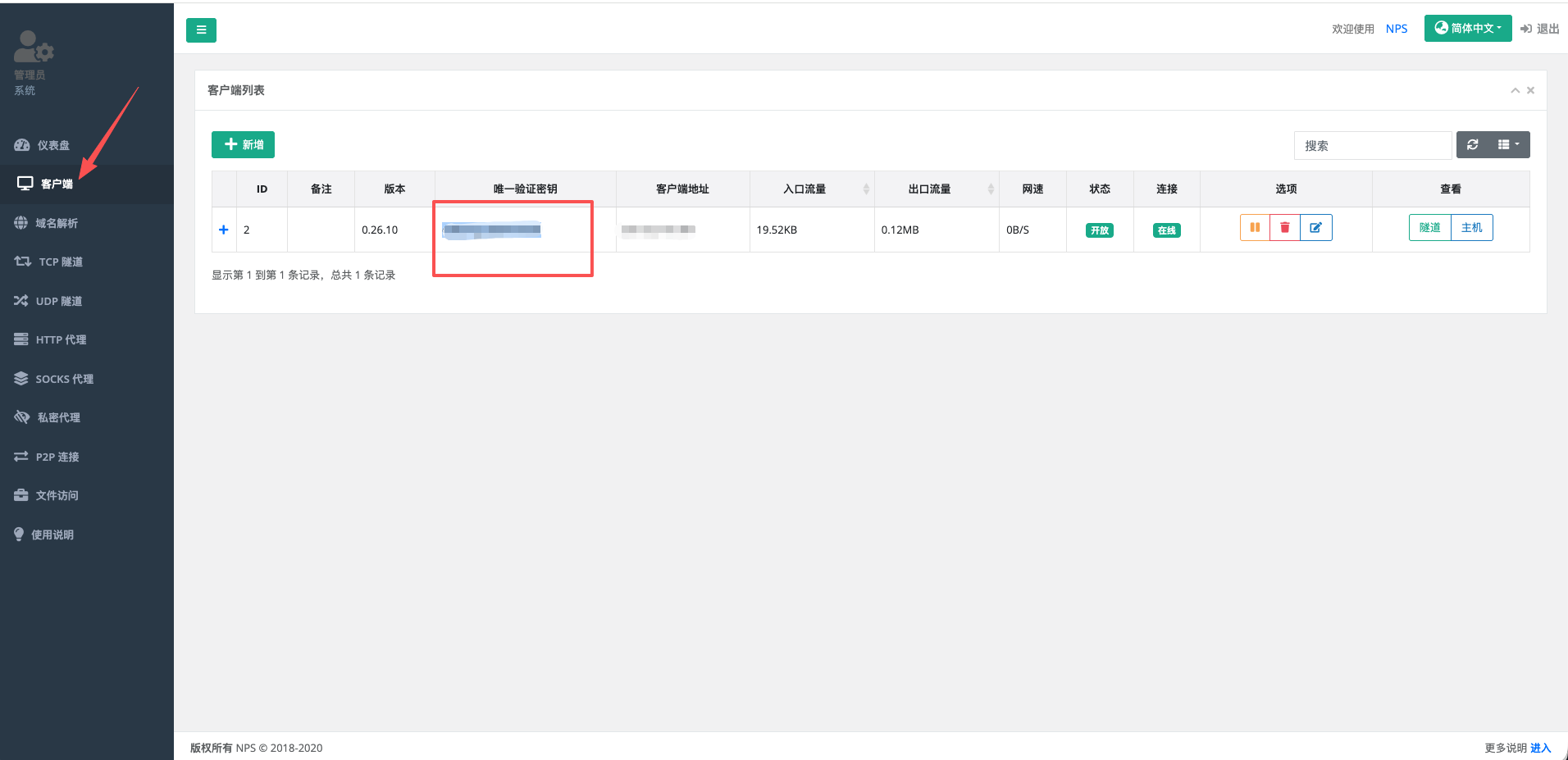
在NPS web管理后台添加客户端获取密钥
新增TCP隧道,把内网服务器的ssh服务映射到公网服务器的8001端口
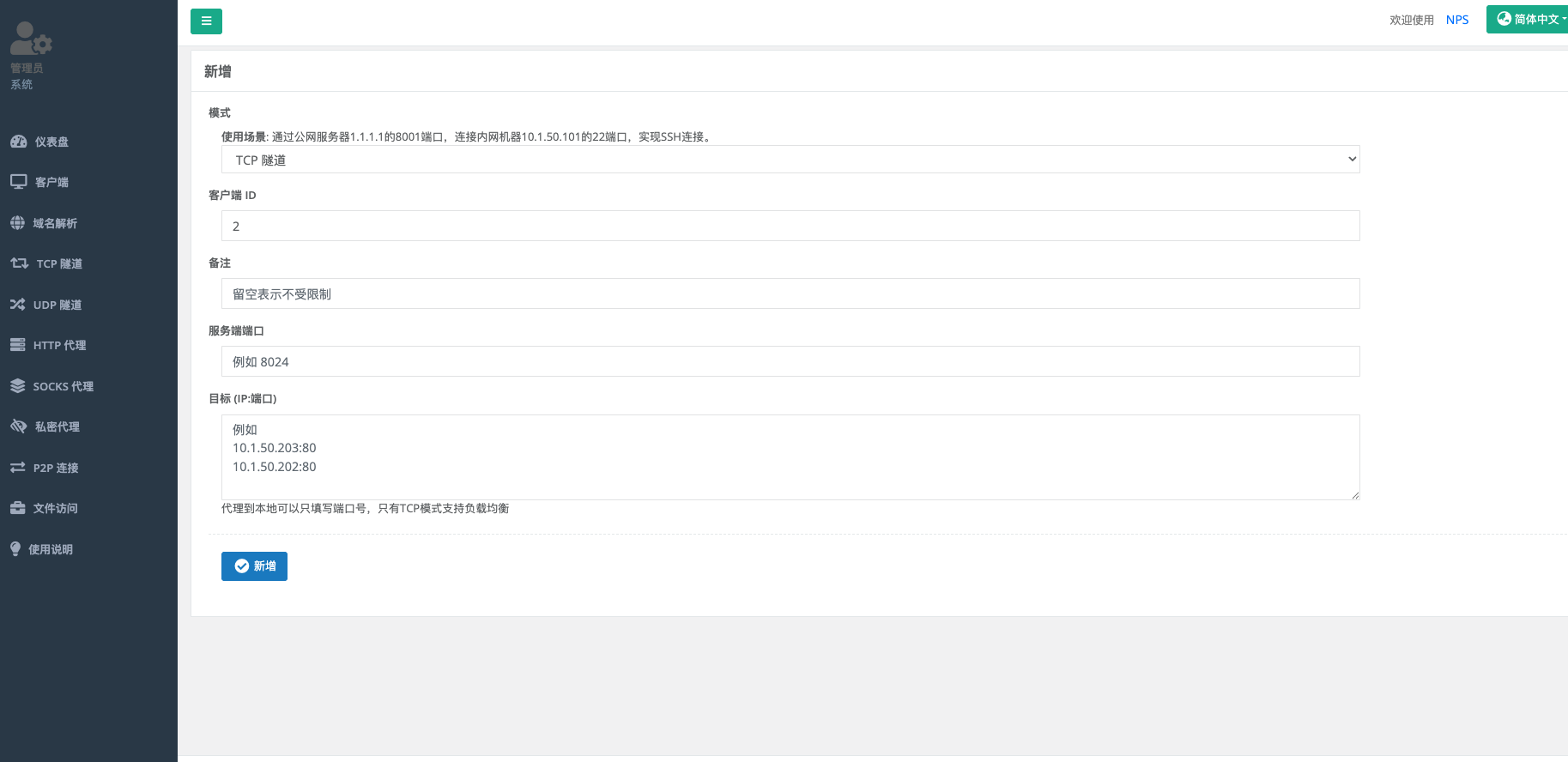
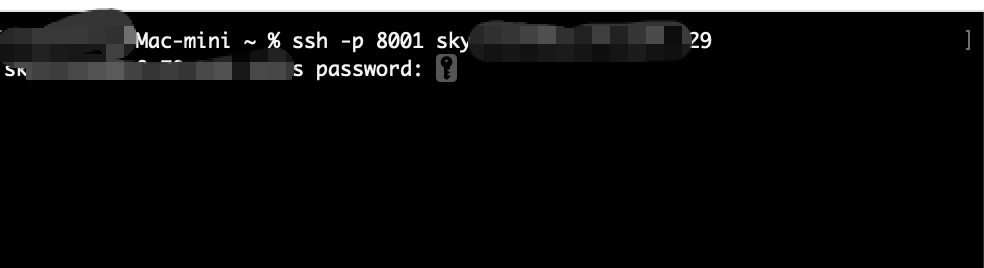
用公网ip+端口,进行ssh链接本地内网服务器